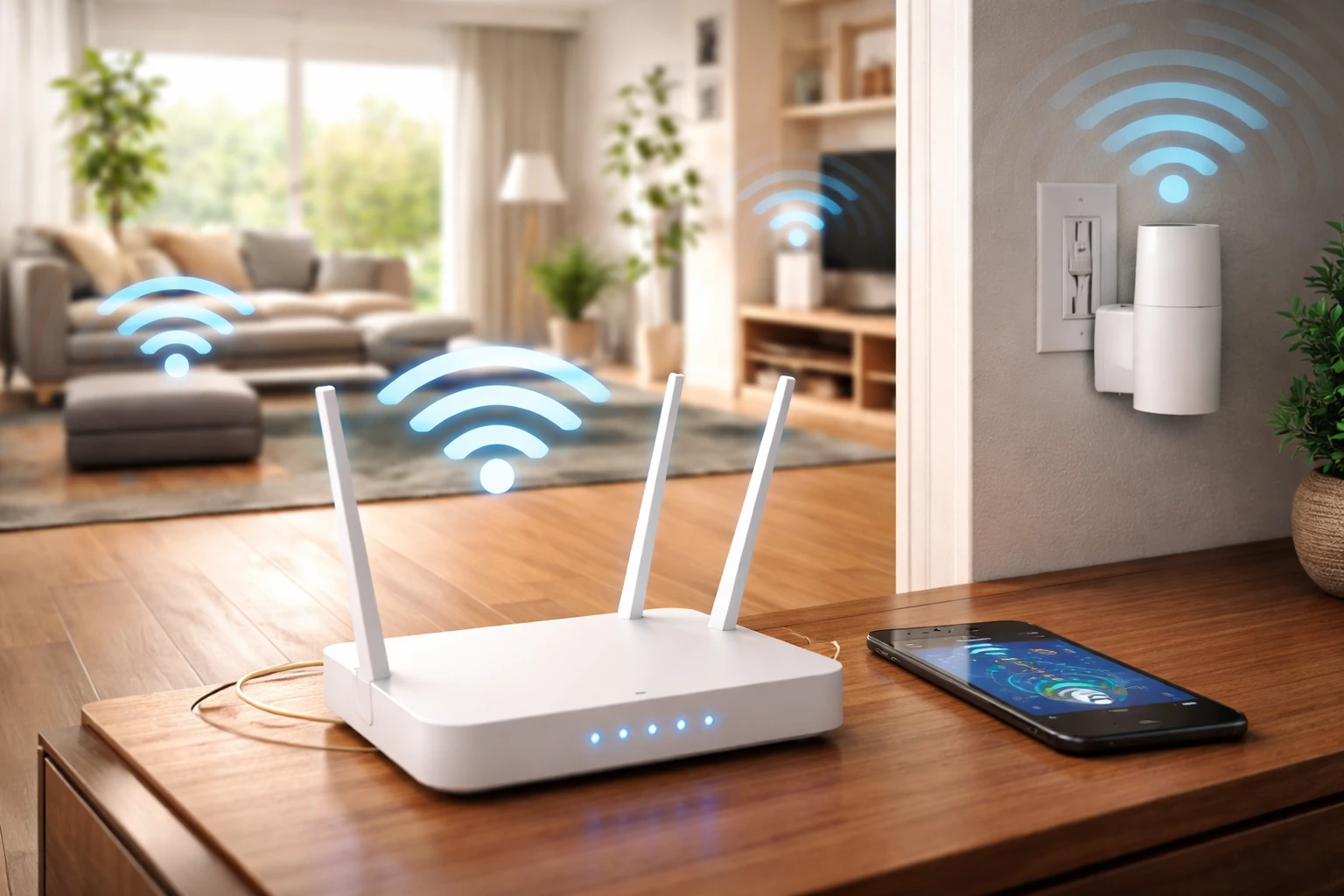
You’re sitting in the living room and everything works perfectly. Fast speeds, no buffering, no dropouts. Then you walk into another room—and suddenly your connection struggles to load a simple page.
It’s one of the most common internet frustrations, and it often feels like there’s no clear reason for it. But weak Wi-Fi in certain areas isn’t random. It’s usually the result of how signals travel through your home. Before assuming you need to switch or search for internet providers in my area, it’s worth understanding what’s actually causing the issue.
The good news? Most Wi-Fi dead zones can be fixed without major upgrades.
Why Wi-Fi Doesn’t Reach Every Room
Wi-Fi signals aren’t as powerful or consistent as they might seem. They weaken over distance and struggle to pass through certain materials.
Walls and Obstacles Block Signals
Not all walls are equal. Some materials significantly reduce signal strength.
Common signal blockers:
- Brick or concrete walls
- Metal surfaces
- Mirrors and large appliances
The more obstacles between your router and your device, the weaker your connection becomes.
Distance Reduces Strength
Wi-Fi signals naturally lose power as they travel.
What this means:
- Rooms further away from the router get weaker signals
- Upper floors or basements may struggle more
Even in smaller homes, placement can create uneven coverage.
Interference From Other Devices
Your Wi-Fi network shares space with other signals in your home and nearby.
Sources of interference:
- Other Wi-Fi networks
- Microwaves
- Bluetooth devices
This interference can disrupt your connection, especially in certain rooms.
Simple Fixes That Improve Coverage Immediately
Before buying new equipment, try these adjustments. They often solve the problem on their own.
Move Your Router to a Better Location
Router placement is one of the biggest factors affecting coverage.
Best practices:
- Place it in a central location
- Keep it elevated (not on the floor)
- Avoid corners, cupboards, or enclosed spaces
A small reposition can make a noticeable difference across multiple rooms.
Adjust the Angle of Your Antennas
If your router has external antennas, their position matters.
Try this:
- Position one antenna vertically
- Position another horizontally
This helps distribute the signal more evenly throughout your home.
Switch Wi-Fi Bands
Most routers offer two frequency bands:
- 2.4 GHz – better range, slower speeds
- 5 GHz – faster speeds, shorter range
If your signal struggles to reach certain rooms, switching to 2.4 GHz can improve coverage.
When You Need a More Reliable Solution
If basic fixes aren’t enough, there are a few upgrades that can dramatically improve your Wi-Fi.
Use a Wi-Fi Extender
A Wi-Fi extender boosts your existing signal and helps it reach further.
Best for:
- Filling small dead zones
- Extending coverage to one or two additional rooms
Upgrade to a Mesh System
For larger homes or persistent coverage issues, a mesh system is often the best solution.
How it works:
- Multiple units placed around your home
- Devices connect to the strongest signal automatically
- Seamless coverage across all rooms
This creates a more consistent experience compared to a single router.
Reduce the Load on Your Network
Sometimes weak Wi-Fi isn’t just about signal—it’s about demand.
Too Many Devices at Once
Every connected device uses part of your bandwidth.
Common examples:
- Streaming on multiple TVs
- Phones and tablets constantly syncing
- Smart home devices running in the background
What you can do:
- Disconnect unused devices
- Limit heavy usage during important tasks
- Use router settings to prioritise key devices
Check for Hidden Issues
If your Wi-Fi still struggles in certain rooms, it’s worth digging a little deeper.
Test Your Speeds in Different Areas
Run a quick speed test:
- Near your router
- In problem rooms
This helps confirm whether the issue is signal-related or something else.
Look for Outdated Equipment
Older routers may not provide strong or consistent coverage.
If your router is several years old, upgrading can:
- Improve range
- Handle more devices
- Deliver more stable performance
Creating a More Consistent Connection
Wi-Fi isn’t just about having internet—it’s about having it where you need it, when you need it.
A strong connection in one room doesn’t mean your entire home is covered. But with the right setup, you can eliminate dead zones and enjoy a more reliable experience everywhere.
Small changes—like better placement, reducing interference, and managing your network—often go further than people expect. And once your signal reaches every room, your internet finally starts to feel as good as it should.
FAQs
Wi-Fi signals weaken over distance and struggle to pass through walls and obstacles, causing uneven coverage in different rooms.
Concrete, brick, metal, and even mirrors can significantly reduce signal strength and create dead zones.
Reposition your router to a central, elevated location and adjust antennas to distribute the signal more evenly.
2.4 GHz offers better range and is more reliable for distant rooms, while 5 GHz provides faster speeds at shorter distances.
Yes, they can effectively boost your signal into nearby dead zones, especially in smaller homes or specific problem areas.
A mesh system uses multiple devices to create seamless coverage across your home, ideal for larger spaces or persistent weak spots.
Yes, multiple devices using bandwidth at once can reduce speed and performance across your network.
If your router is several years old or struggles with multiple devices, it may lack the range and performance of newer models.
Absolutely—placing your router centrally and away from obstructions can dramatically improve signal strength throughout your home.
Use a speed test app in various areas of your home to compare performance and identify weak signal zones.