Your home is the place where you should feel the most protected. And much of that comfort comes from having a reliable and robust door locks security setup. Many homeowners upgrade to smart locks because of their modern convenience and remote access. However, rushing to install or using such locks without proper guidance can create gaps in your security that you may not realize. To help you get the best from your smart home door lock, here are some of the most common mistakes to avoid so your space stays protected.
1. Not Properly Locking Doors & Windows
Studies show that 34% of break-ins happen through the front door, and another 32% occur simply because the door was left unlocked. These numbers are a helpful reminder that even the best entry door locks only work when they are used consistently.
Always take a moment to check your doors and windows before leaving home to ensure your safety. If you use a smart home door lock, you can check the lock’s status on your phone, even when you are away.
2. Using Weak Passwords

Your smart lock is only as secure as the password you choose. If the password is too common, simple, or reused from other accounts, it becomes much easier for someone to guess or even crack. Therefore, setting up a unique password is essential for your overall door locks home security system.
3. Ignoring Firmware & App Updates
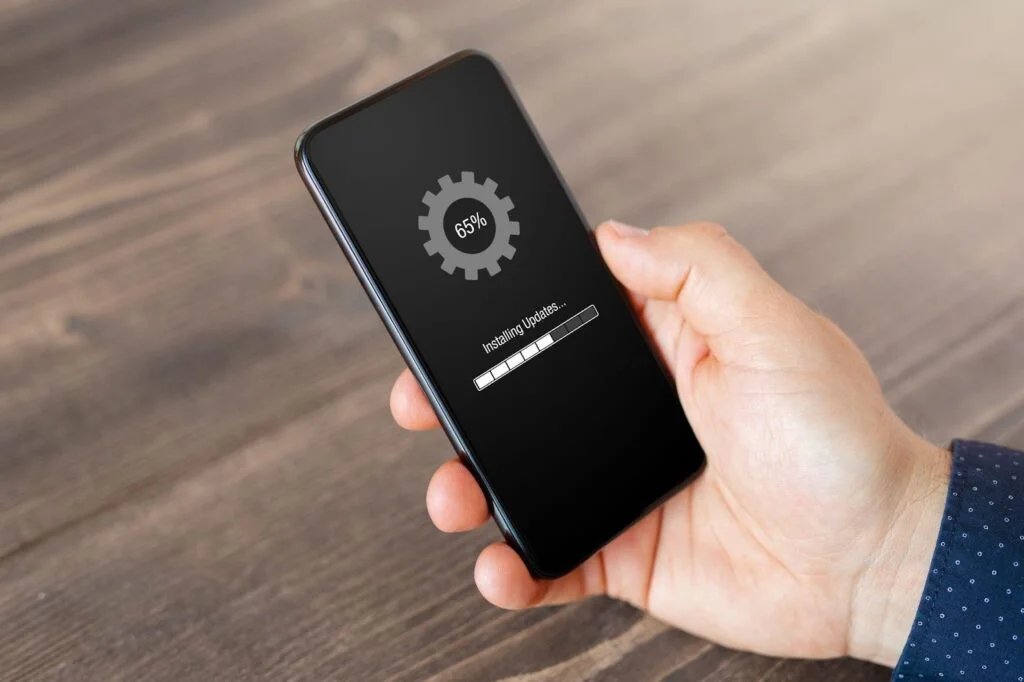
A common mistake is installing a smart lock quickly and leaving everything on the default settings. Skipping the setup guide or ignoring app updates can leave the lock less protected. Manufacturers release updates to improve safety and fix issues. Turning on automatic updates or manually updating the firmware helps your smart home door lock stay reliable and up to date.
4. Not Replacing Old & Worn-Out Locks
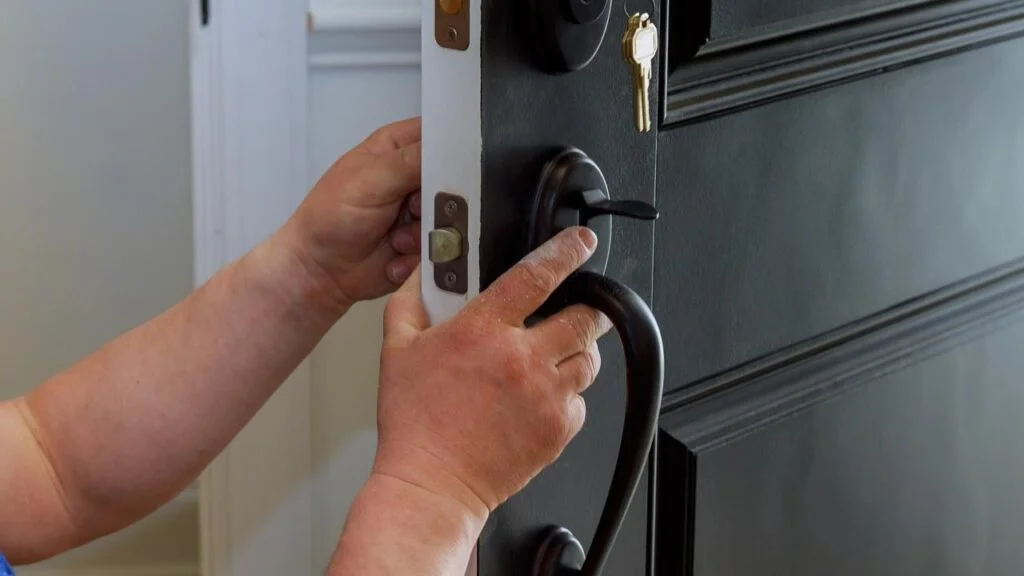
Even the most technologically advanced smart door locks rely on physical parts that wear down over time. Weather changes, daily use, and simple aging can affect how well a lock performs. If the key becomes hard to turn, the fingerprint sensor doesn’t recognize your print, or you see rust, it may be time to replace the lock. Taking care of worn parts early helps you avoid surprise lockouts and keeps your home secure.
5. Not Securing Your Wi-Fi Network Properly
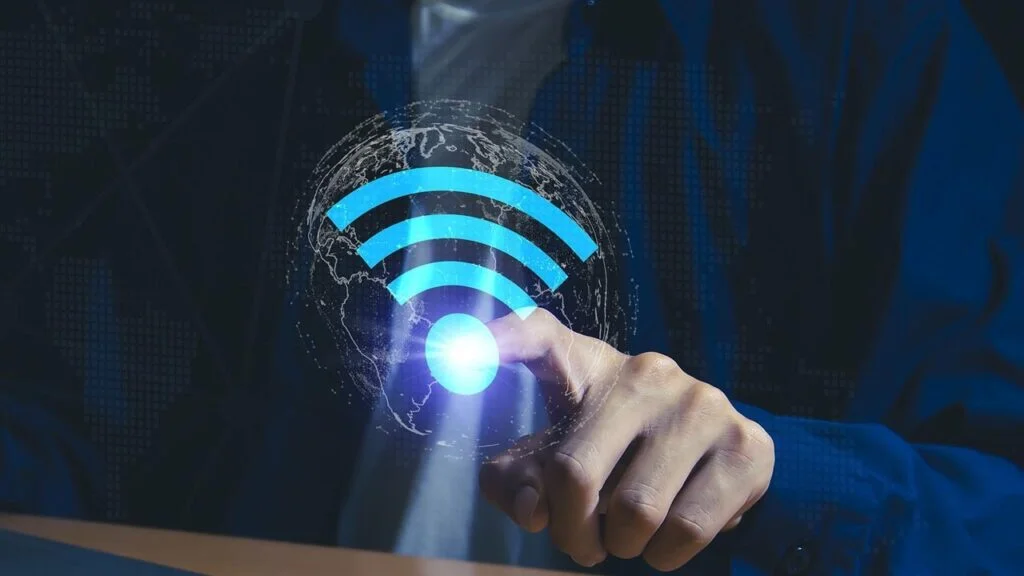
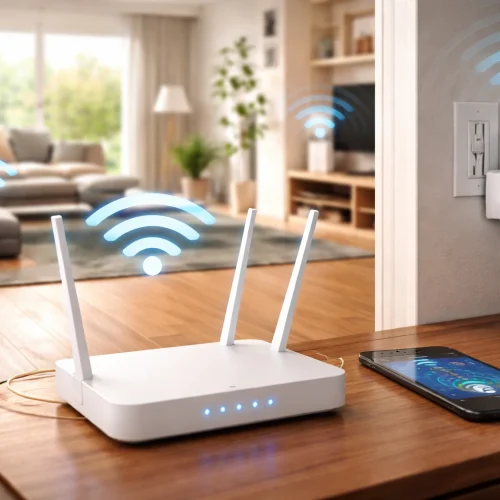
If your smart locks use Wi-Fi, the safety of your home depends on the strength of your network. A weak password or an outdated router can make your devices easier to access. Update your router regularly and use a strong Wi-Fi password. You can create a different guest network for smart devices like locks and thermostats for better home security.
6. Giving Access Too Casually
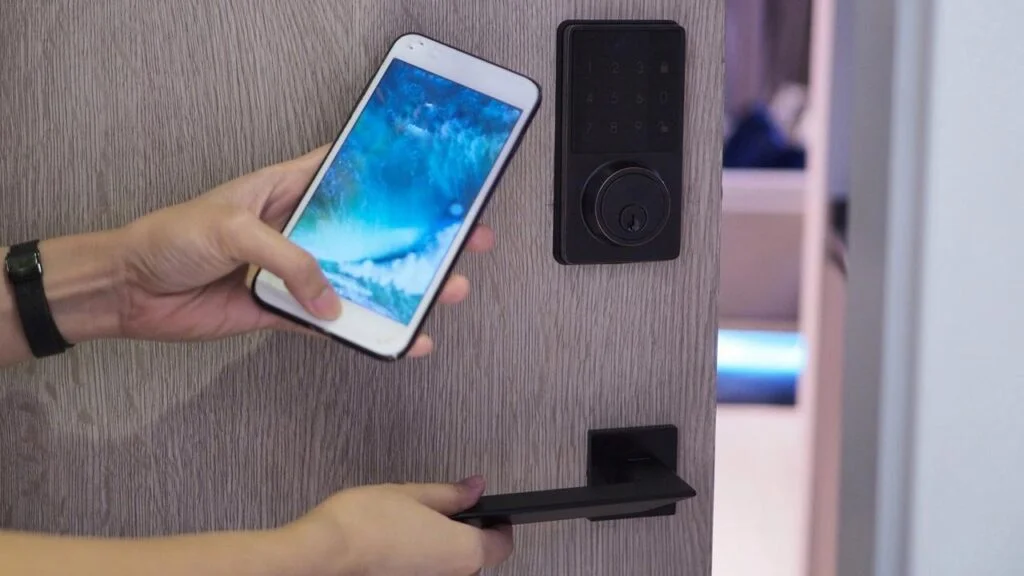
One helpful feature of smart locks is the ability to make temporary access codes for guests, friends, or service providers. While this is convenient, sharing access too freely can lead to unnecessary risks.
It is best to give out codes only when needed and to choose clear expiration times. Once someone no longer needs access, simply delete the code. Checking your activity log from time to time can give you a better sense of who has entered your home and when, which can feel reassuring.
7. Overlooking Maintenance of the Security System
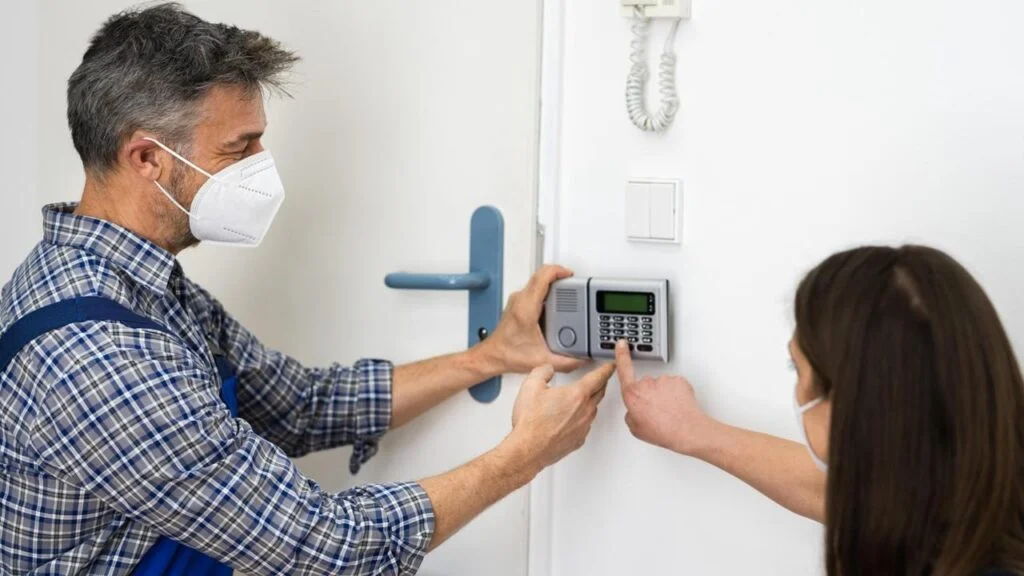
Your door locks home security system needs occasional care, just like anything else in your home. Regular checks help you catch and address minor issues before they grow. A quick look at your lock hardware, battery levels, and app settings can keep everything running smoothly.
8. Hiding Keys in Obvious Places
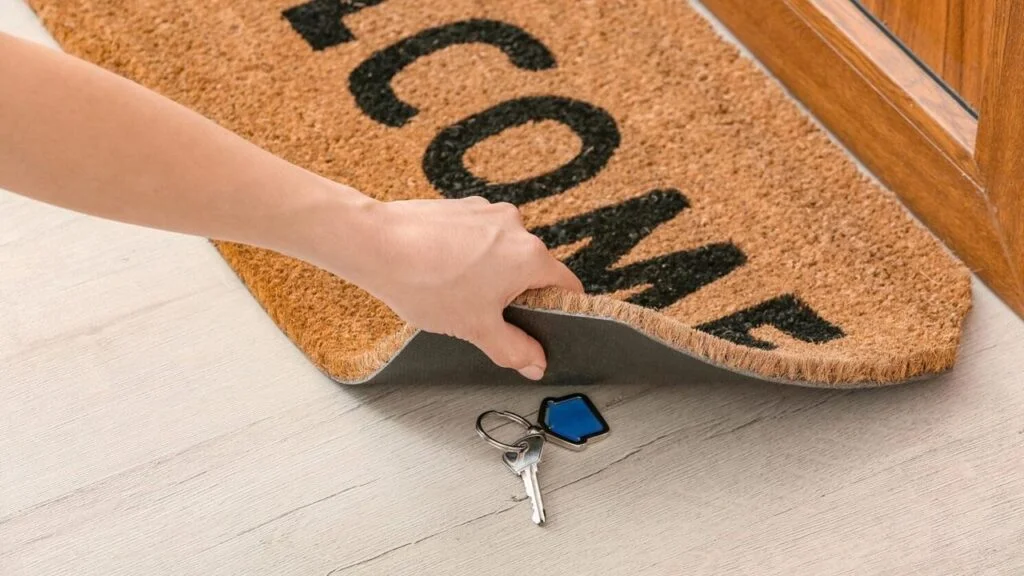
It may feel convenient to hide a spare key under a doormat or inside a plant pot, but these are the first places intruders look. Instead of leaving a key outside, keep one with a trusted neighbor or use a small lockbox if you prefer having a backup. You can also rely on your lock’s app or smart assistant to manage access, which removes the need for hidden keys altogether.
9. Failing to Upgrade Your Home Security
Security technology continues to change, and so do the methods intruders use. If your home still relies on older locks or outdated technologies, you might not be getting the level of protection you expect.
Exploring newer options, such as top rated smart door locks, touchscreen deadbolts, biometric locks, or updated keypad designs, can help you choose something that suits your home and lifestyle. Each home is different, so it is helpful to pick a lock that feels comfortable for you while still offering strong security. For instance, the Kwikset SmartCode 916 Electronic Deadbolt offers a touchscreen and keyless entry, and it can be managed remotely via wireless Z-Wave communication.
10. Neglecting Backup Options
Even the best smart lock for house safety needs a plan for emergencies. Power outages, dead batteries, or network issues can leave you locked out if there is no backup. Without a backup option, you may find yourself stuck outside at an inconvenient moment.
Most smart locks come with solutions like physical keys, emergency battery contacts, or Bluetooth access that works without Wi-Fi. Taking a few minutes to learn how these backups work can save you stress during an unexpected situation. For instance, the Kwikset Halo Touch Fingerprint Deadbolt runs on Wi-Fi and includes backup keys so you can still get inside during a power or network outage.
Conclusion
Smart locks make it easy to manage your home’s security. With necessary care, they continue to work the way you need them to. Just avoid the aforementioned mistakes, and you can get the full benefits of your smart locks, feeling confident that your home is safe from intruders.
FAQs
Smart locks can be safer when used correctly, especially with strong passwords and updated firmware, but poor setup can weaken security.
The most common mistake is leaving doors unlocked or relying on weak passwords that compromise security.
Check for updates monthly or enable automatic updates to ensure you benefit from the latest security fixes.
Yes. An unsecured or outdated Wi-Fi network can make your smart devices more vulnerable to unauthorized access.
If the hardware shows wear like rust, sticking keys, or failing sensors it’s best to replace it before bigger issues arise.
Yes, but only if you limit access, set expiration times, and delete codes when they are no longer needed.
Absolutely. Checking battery levels, hardware condition, and app settings helps prevent unexpected failures.
No. Hidden keys are easy targets for intruders. Use backup access features instead.
Upgrade when your current lock lacks modern features, shows physical deterioration, or no longer fits your security needs.
Keep a physical key, emergency power access, or Bluetooth entry available for outages or dead batteries.